
HighLevel tutorial videos, every month.
HighLevel tutorial videos in your brand, added to your help docs and your YouTube channel every month. Your customers find the answer in a video and open fewer tickets.
- Rated5.0out of 5
- 1000+HighLevel clientsclients
- Creating HighLevel videos sinceSince2020
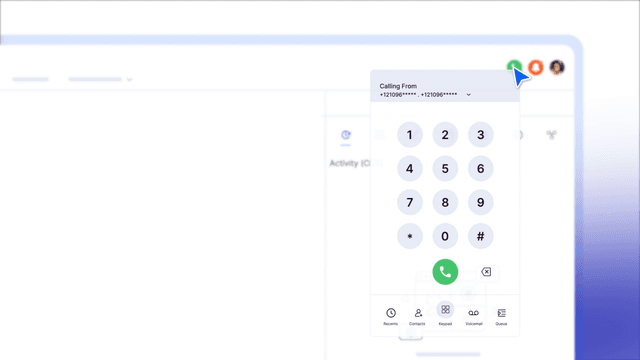
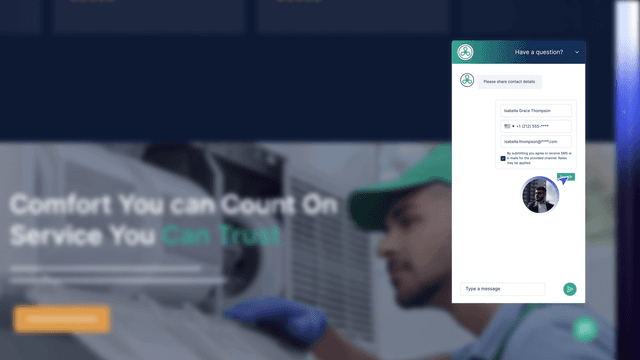
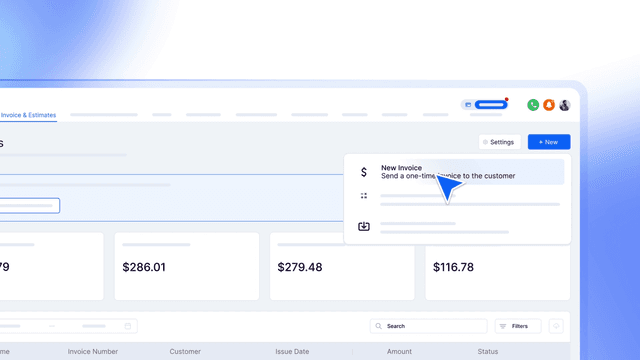
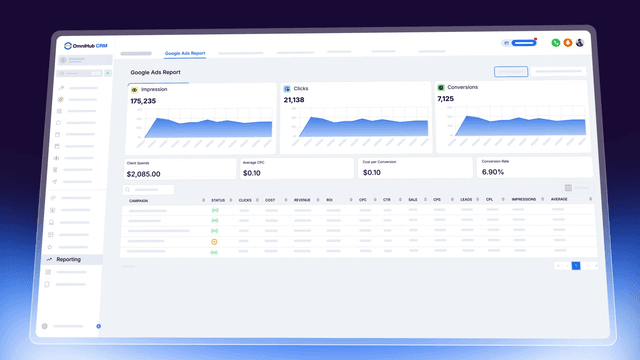
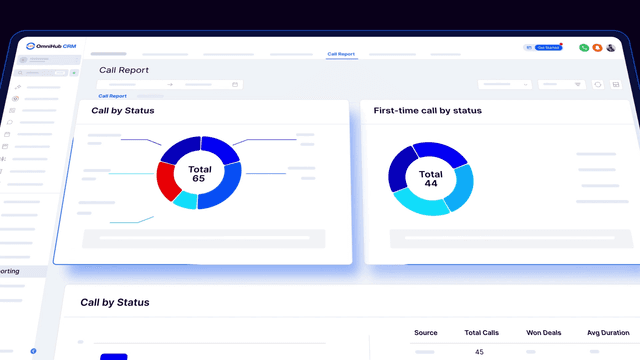
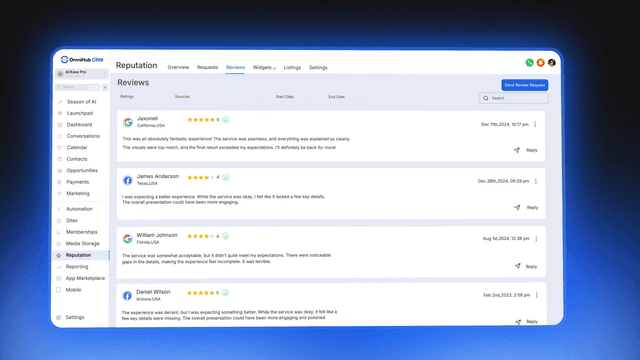

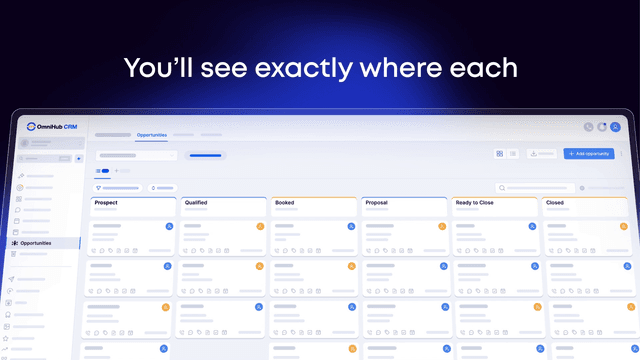
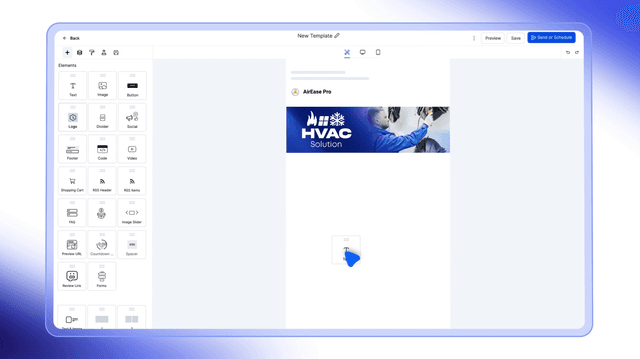
HighLevel tutorial videos in your brand, added to your help docs and your YouTube channel every month. Your customers find the answer in a video and open fewer tickets.



Videos that teach a feature.
Short feature videos we made, in the style your tutorials are made in. Press any one to play it.
Want tutorials in your brand every month?
Book a free video plan callYour help centre, with a video for every answer.
This is what your customers would see: every common question answered by a short tutorial in your brand. Search it, or pick a topic.
18 tutorials
- Import your contacts from a spreadsheet
- Tag contacts and build smart lists
- Merge duplicate contacts
- Set your hours and booking rules
- Share your booking link
- Send reminders before every appointment
- Connect email, text and social messages
- Reply from the mobile app
- Turn on missed call text back
- Build your first follow-up
- Send a review request after every job
- Pause a contact from a workflow
- Connect your payment account
- Send an invoice
- Take a payment on a call
- Read your dashboard
- See where your leads come from
- Track your appointments
One task, in under three minutes.
Every tutorial answers one question on your own platform, in your brand. First cut in 3 working days.
The task
What you will be able to do by the end, in one sentence.The first 15 secondsStep by step
Every click on your screen, with zooms on the button that matters.The middleWhat to do next
The next tutorial, or where to get help.The last 15 seconds
A month of tutorials.
Each month we pick the questions your support team answers most, and four new tutorials join your help centre.
- Week 1
- TueConnect your payment accountTutorial
- Week 2
- TueSend a review request after every jobTutorial
- Week 3
- TueShare your booking linkTutorial
- Week 4
- TueSee where your leads come fromTutorial
Made for YouTube too.
- Titles people searchWritten the way your customers ask the question.
- ChaptersSo a viewer jumps straight to the step they need.
- ThumbnailsIn your brand, one look across the channel.
- DescriptionsWith the steps written out and a link back to your help centre.
Onboarding or training?
- Week oneOnboarding seriesGets new clients set up in their first week: a welcome video, then one walkthrough per setup step.
- Every monthTraining seriesAnswers their questions for as long as they stay: new tutorials every month, for your help centre and YouTube.
New tutorials, every month.
Tutorials are included in every Monthly Retainer, beside your explainers, demos and ads, with one manager picking the topics from your tickets.
Unlimited revisions and a 30-day money-back guarantee on every Monthly Retainer.
HighLevel tutorial video questions.
What are HighLevel tutorial videos?
How long should a tutorial be?
Who picks the topics?
Do you write the YouTube titles, chapters and thumbnails?
What happens when HighLevel changes a screen?
Onboarding or training first?
Is GHL Video part of HighLevel?
Answer every question once, on video.
Thirty minutes on Google Meet, free. Here is what happens on it:
- We look at your help centre and your support tickets
- We pick the first month of tutorials
- You leave with the plan and the next step
Loading open times
 You talk to Shariful IslamFounder of GHL Video, creating HighLevel videos since 2020
No time that fits? Write to hi@ghlvideo.com and say when you are free.