
HighLevel onboarding videos, in your brand.
GHL onboarding videos walk your new clients through setup in your brand: domain, contacts, inbox, calendars. They finish setup in the first week and stop opening the same tickets.
- Rated5.0out of 5
- 1000+HighLevel clientsclients
- Creating HighLevel videos sinceSince2020
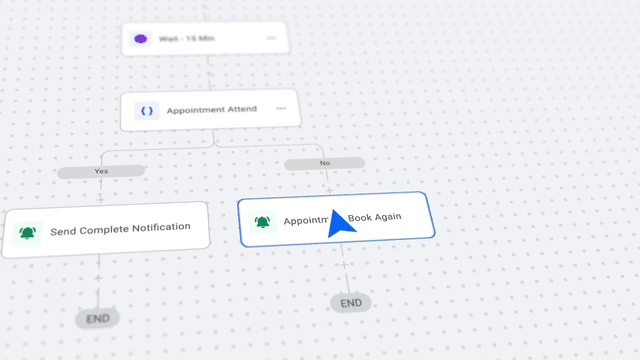
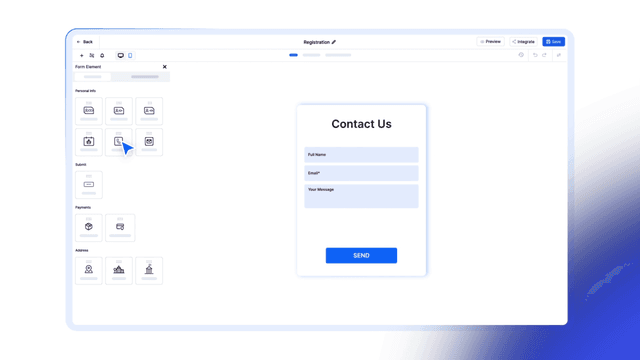
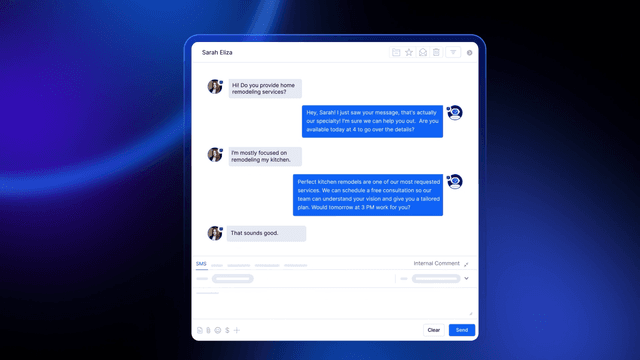
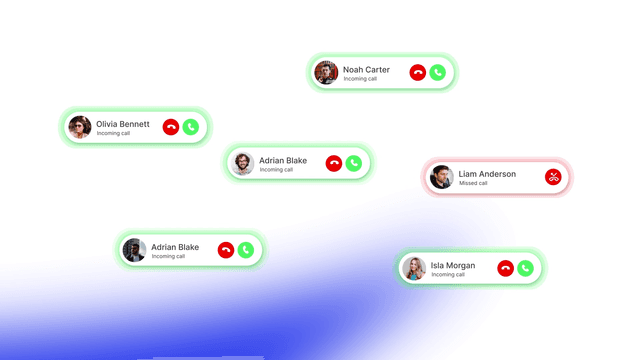
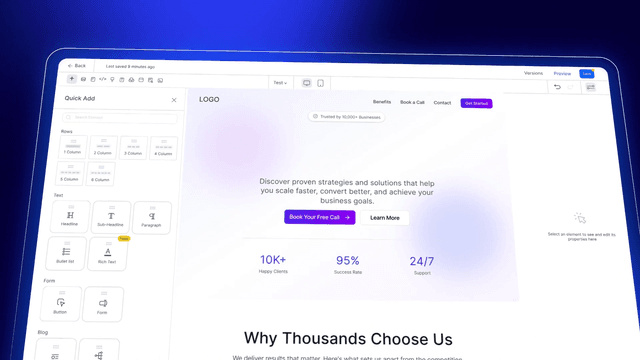
GHL onboarding videos walk your new clients through setup in your brand: domain, contacts, inbox, calendars. They finish setup in the first week and stop opening the same tickets.



Videos for the first week.
Short videos on the tools a new client sets up first. Press any one to play it.
Want your clients set up in week one?
Book a free video plan callThe first week, one video a day.
A new client opens your welcome video on day one, then one walkthrough a day takes them through setup. By day seven they are live, and they stay.
- Day 1WelcomeWho you are, what happens this week, where to get help.Up to 90 seconds
- Day 2Connect the domainTheir own address on their site and emails.Up to 3 minutes
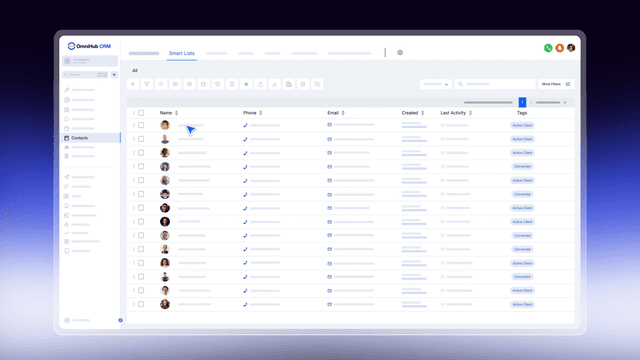
- Day 3Import contactsTheir list in, tagged and ready.Up to 3 minutes
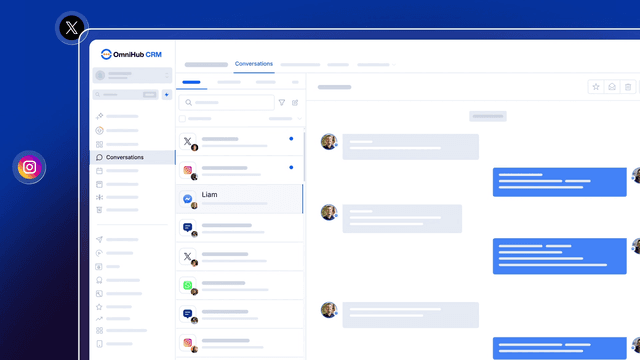
- Day 4Connect the inboxTexts, email and social messages in one place.Up to 3 minutes
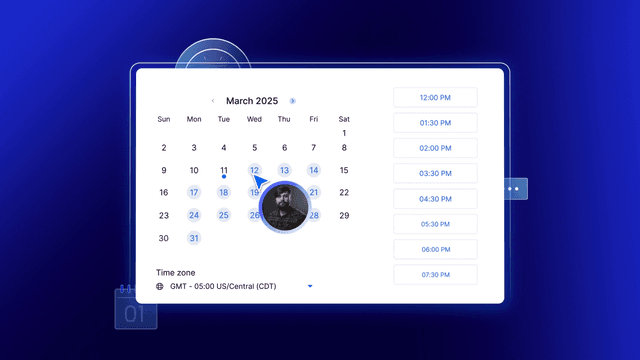
- Day 5Set up calendarsBooking links that fill their week.Up to 3 minutes
- Day 6The first automationA follow-up that runs while they sleep.Up to 3 minutes
- Day 7Go liveThe checklist done, and the first lead in.Up to 3 minutes
The welcome video, the first thing a new client sees.
Up to 90 seconds, in your brand, with your name on it. First cut in 3 working days.
Who you are
Your face or your voice, and why they chose right.The first 20 secondsWhat happens this week
The setup steps ahead, and that each has its own short video.The next 30 secondsWhere to get help
Your support channel, your community and who to ask.The last 30 seconds
The tickets a walkthrough ends.
Ask your support team which questions come in every week. Each one becomes a walkthrough, first cut in 3 working days, and the ticket stops coming.
- Support ticketHow do I connect my own domain?Walkthrough video, up to 3 minutesConnect your domain
- Support ticketWhy are my emails going to spam?Walkthrough video, up to 3 minutesSet up your sending domain
- Support ticketHow do I import my contacts?Walkthrough video, up to 3 minutesImport and tag your contacts
- Support ticketMy booking link shows the wrong times.Walkthrough video, up to 3 minutesSet your calendar hours
- Support ticketHow do I connect Facebook and Instagram?Walkthrough video, up to 3 minutesConnect your social accounts
Recorded on your snapshot.
Every walkthrough is made from scratch on your own snapshot and settings, so new clients see exactly the screens they will see when they log in.
- Your snapshotYour pipelines, your workflows, your settings.
- Your wordsYour plan names and your support channel.
- Your brandYour logo and colours on every screen.
- Kept currentWhen HighLevel moves a screen, we update the part that changed.
Where the series lives.
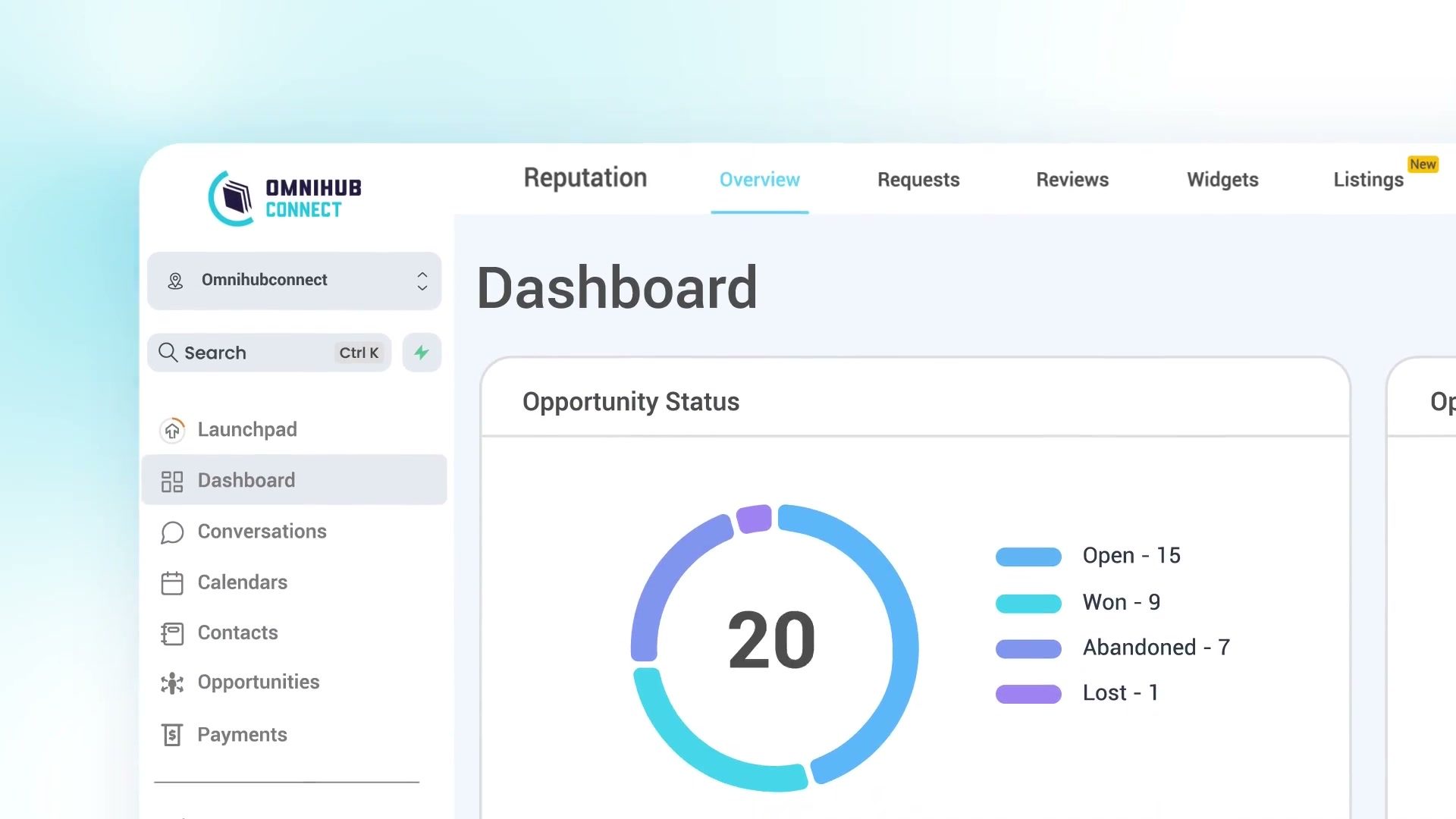
The same videos meet a new client wherever they look in the first week.
- On day oneYour portal's welcome screenThe welcome video is the first thing they see when they log in.
- Every dayYour onboarding emailsEach day's email carries that day's walkthrough.
- On the kickoff callYour kickoff callPlay the welcome video, then spend the call on their questions.
Founders who sell HighLevel trust us with their clients.
“They know HighLevel inside and out.”
“They delivered it on time within the 7 days.”
One walkthrough a month, or the whole series.
Onboarding videos are included in every Monthly Retainer, beside your explainers, demos and ads, so the series grows as your platform does.
The welcome video and every walkthrough made together, for a launch or a new client portal.
See Custom ProductionUnlimited revisions and a 30-day money-back guarantee on every Monthly Retainer.
GHL onboarding video questions.
What are GHL onboarding videos?
What should a welcome video say?
How many onboarding videos do I need?
Onboarding series or training series?
Can you record it on my own snapshot?
What happens when HighLevel changes a screen?
Can you make onboarding videos for my agency's clients?
Is GHL Video part of HighLevel?
Get new clients live in week one.
Thirty minutes on Google Meet, free. Here is what happens on it:
- We look at your setup steps and your support tickets
- We plan the welcome video and the first walkthroughs
- You leave with the plan and the next step
Loading open times
 You talk to Shariful IslamFounder of GHL Video, creating HighLevel videos since 2020
No time that fits? Write to hi@ghlvideo.com and say when you are free.